Processing a DSAR with PIIQ: Complete Walkthrough
A step-by-step guide to handling Data Subject Access Requests using PIIQ — from raw documents to compliant disclosure.
Overview
A Data Subject Access Request gives individuals the right to receive a copy of the personal data an organisation holds about them. The statutory deadline is 30 days. The challenge is doing it accurately, compliantly, and without burning through your team's capacity.
PIIQ breaks the process into twelve clear steps. Each one narrows the workload for the next, so by the time you reach redaction, you're processing only the files that genuinely matter.
Step 1: Receive the Data
Gather all potentially relevant files — emails, contracts, HR records, PDFs, Word documents, spreadsheets — into a single directory from the various sources across your organisation.
Step 2: Open the Directory in PIIQ
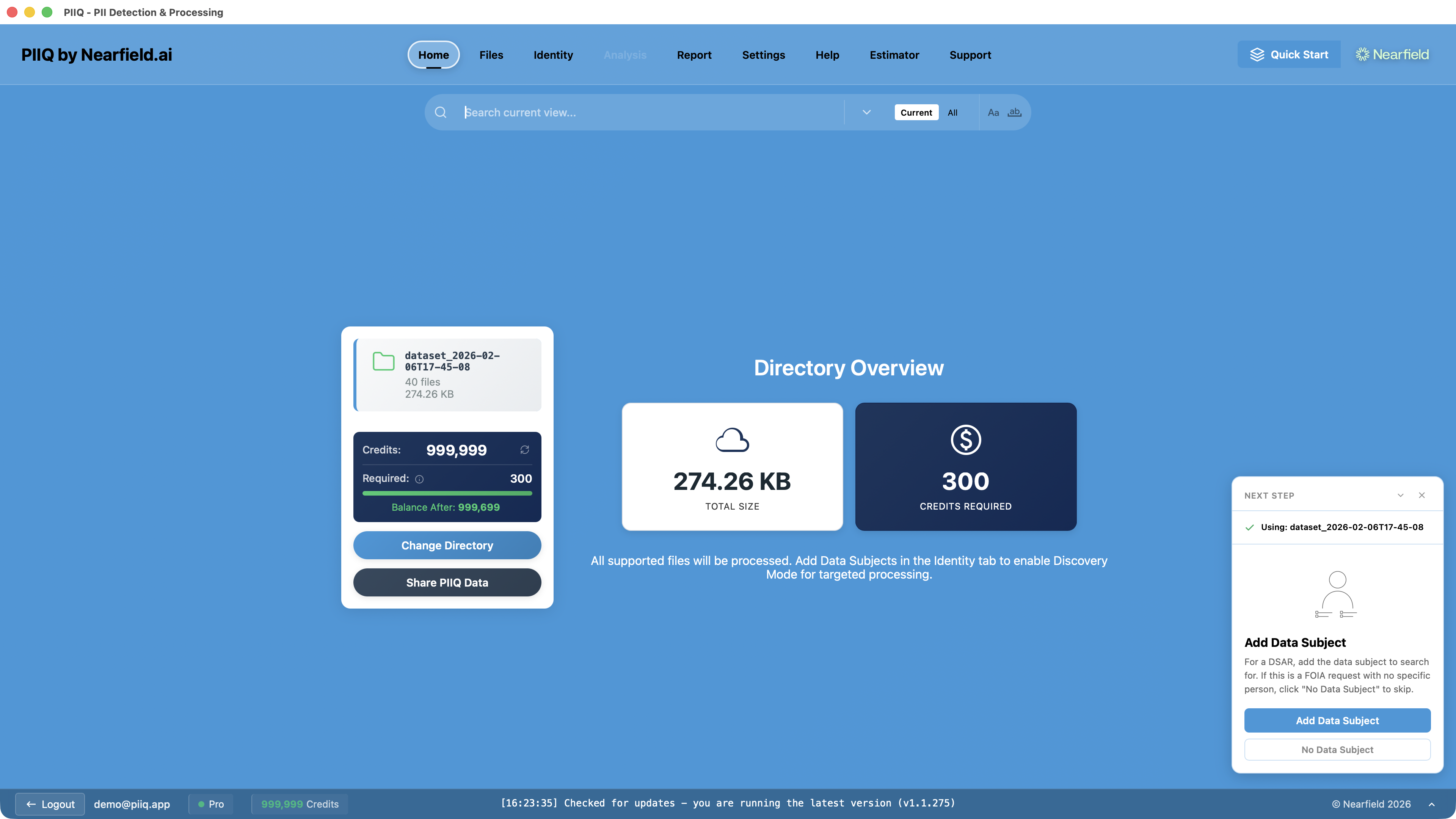
Launch PIIQ and point it at the directory. The home screen immediately shows you the scope: file count, total size, supported formats, and estimated processing credits.
Step 3: Add the Data Subject
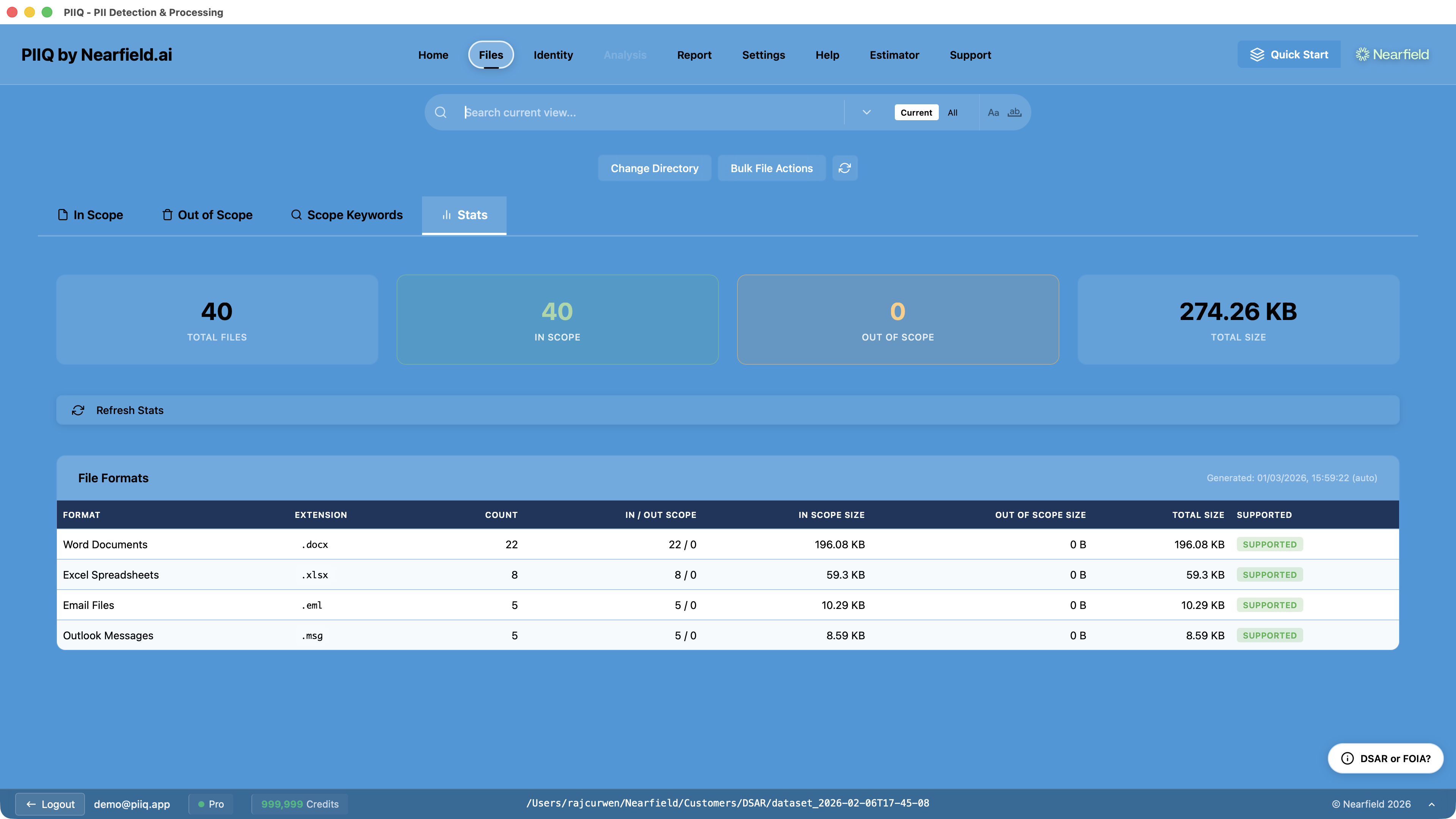
Enter the requesting person's identifying information — their name, email addresses, employee IDs, and any alternative identifiers. The more identifiers you provide, the more accurate Discovery will be.
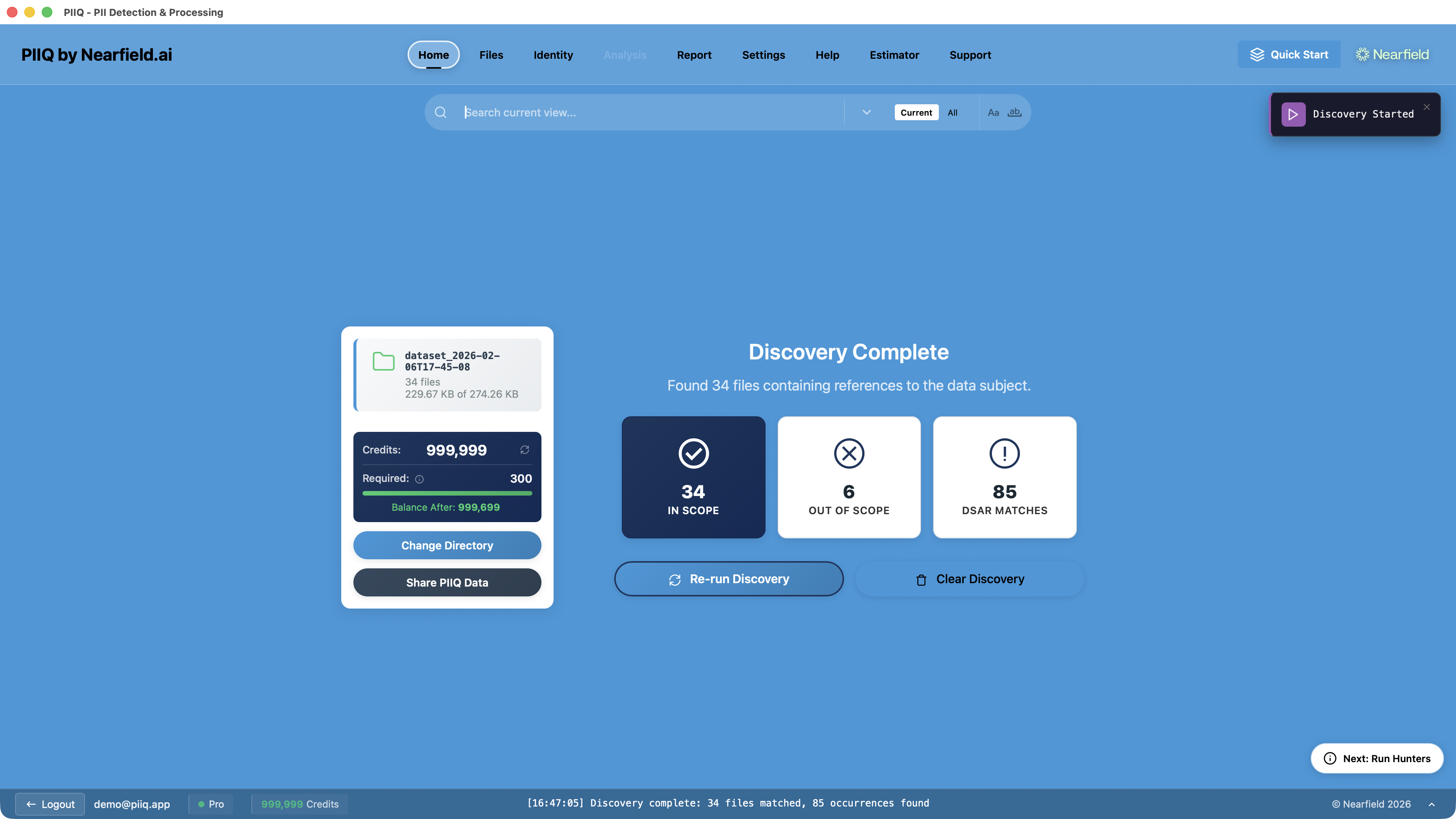
Step 4: Run Discovery
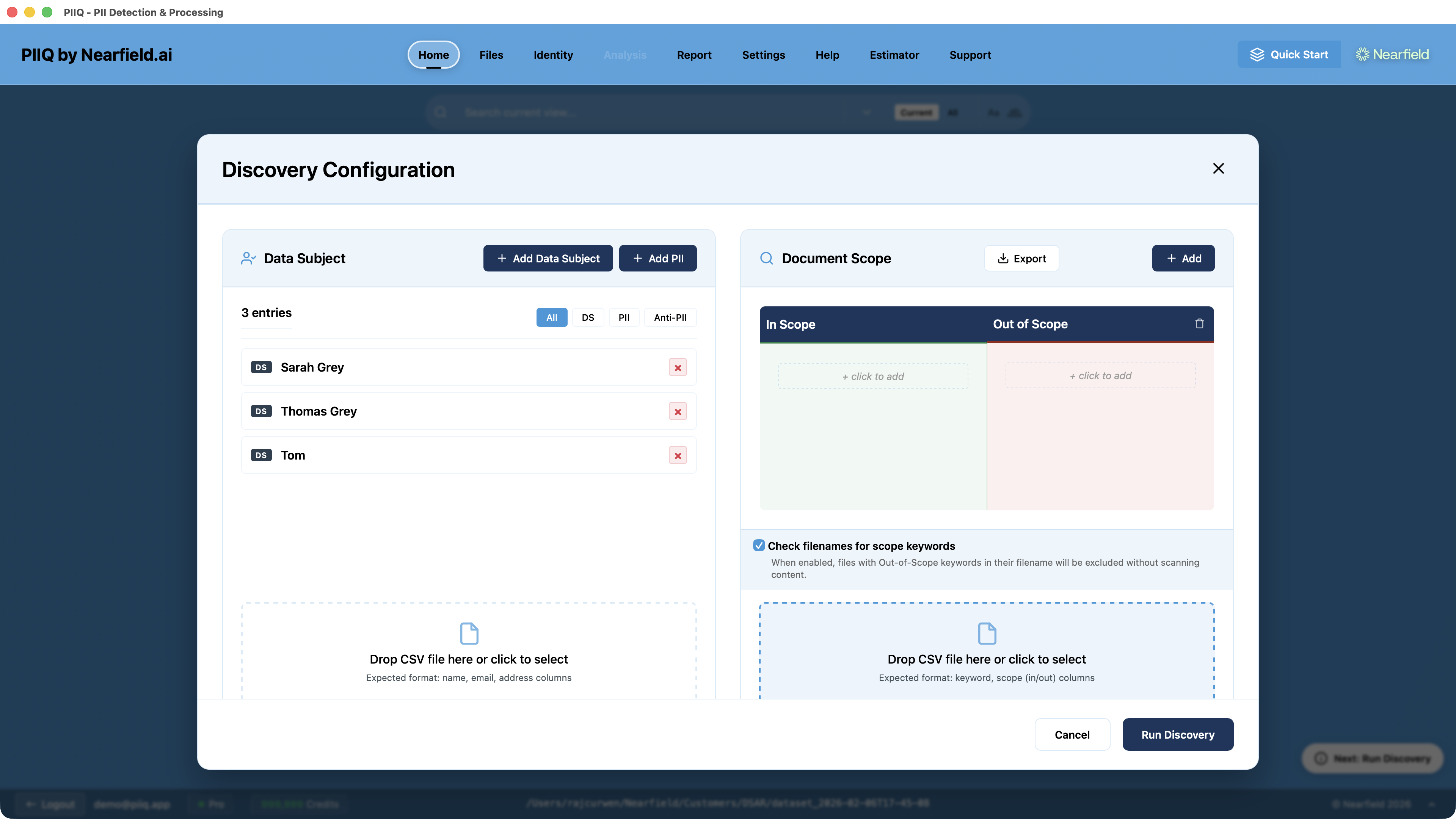
Discovery runs a fast pattern-matching scan across every file in the directory. It identifies which files actually contain mentions of the data subject, separating your file set into active files and ignored files.
This alone is a significant optimisation. A directory of a thousand files might narrow to a few hundred — cutting your workload dramatically before any AI processing begins.
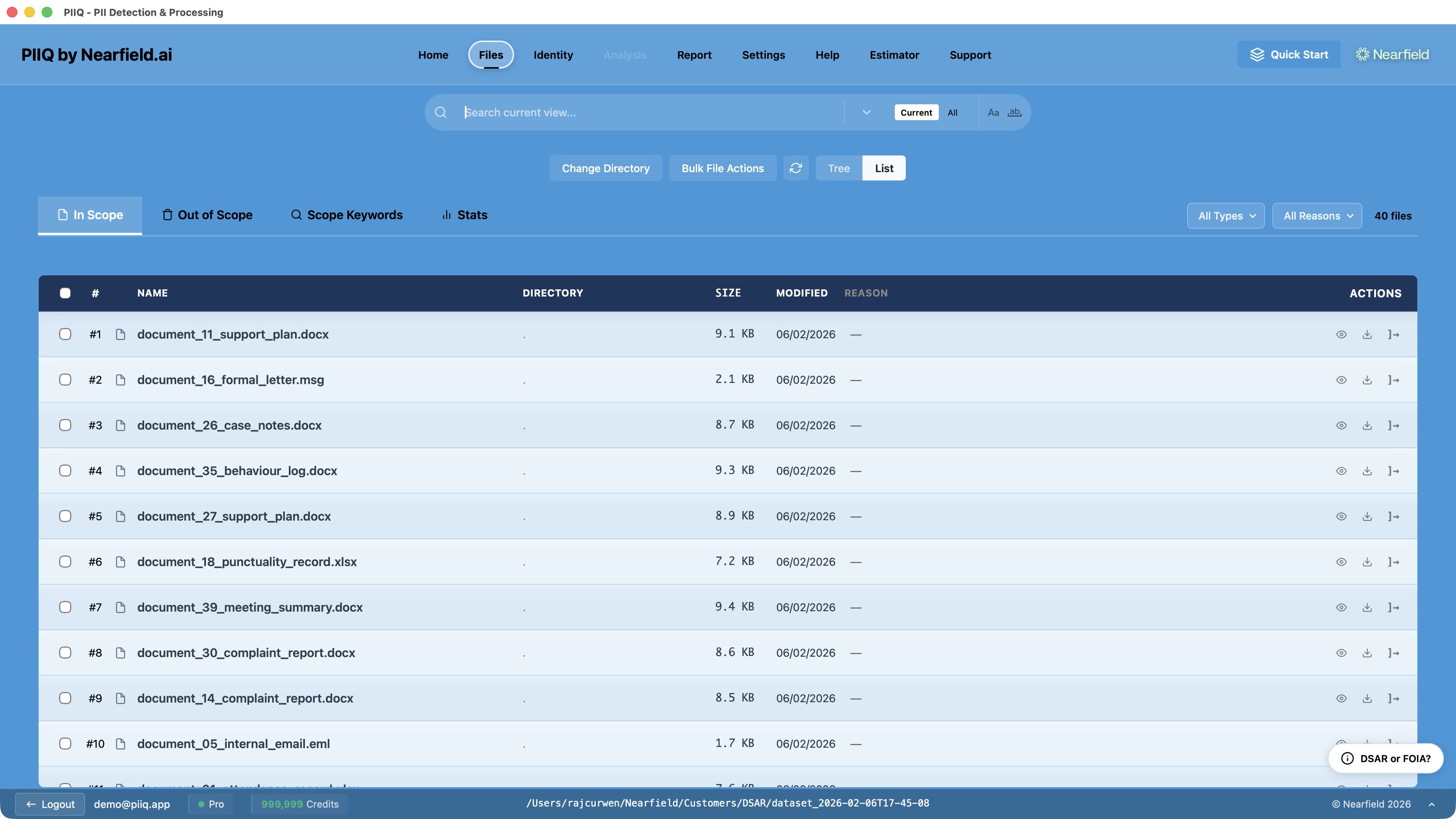
Step 5: Choose Your Exclusions
Apply Standard Exclusion categories to filter out irrelevant content. Legally privileged documents, spam, marketing materials, and social media exports can be excluded in a single click. Business communications and employee records stay in scope.
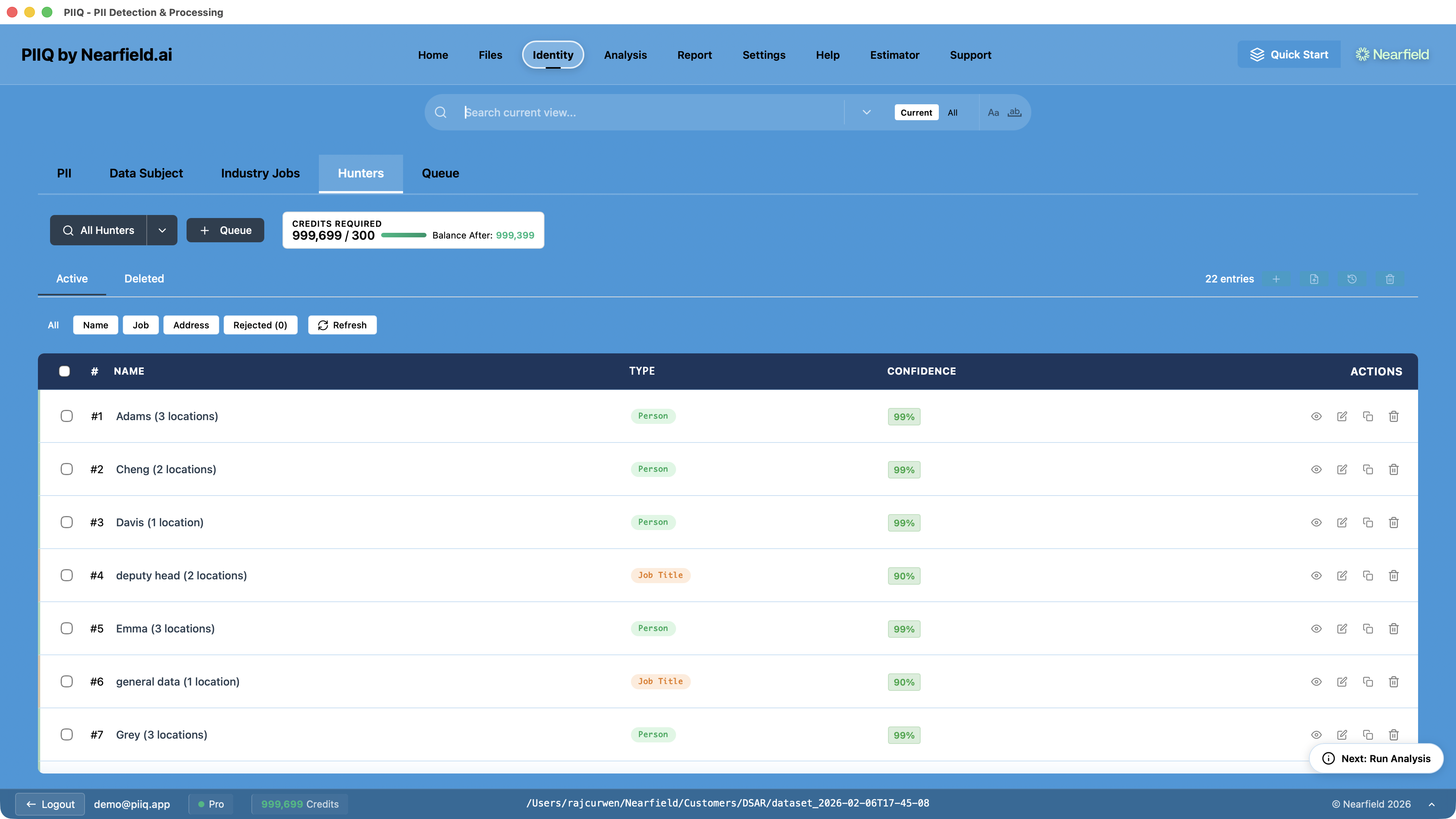
Step 6: Run Hunters
Hunters are PIIQ's AI-powered detection tools for the hardest categories of personal data — names, job titles, and postal addresses. Unlike pattern matching, Hunters understand context. They know the difference between "Grace sent the report" and "a grace period of thirty days."
Step 7: Add PII Entries
Manually input specific personal identifiers you want detected. Just as importantly, create Anti-PII entries — terms that resemble personal data but aren't. Company names that look like person names, product names, building names. Flagging these up front prevents hundreds of false-positive redactions later.
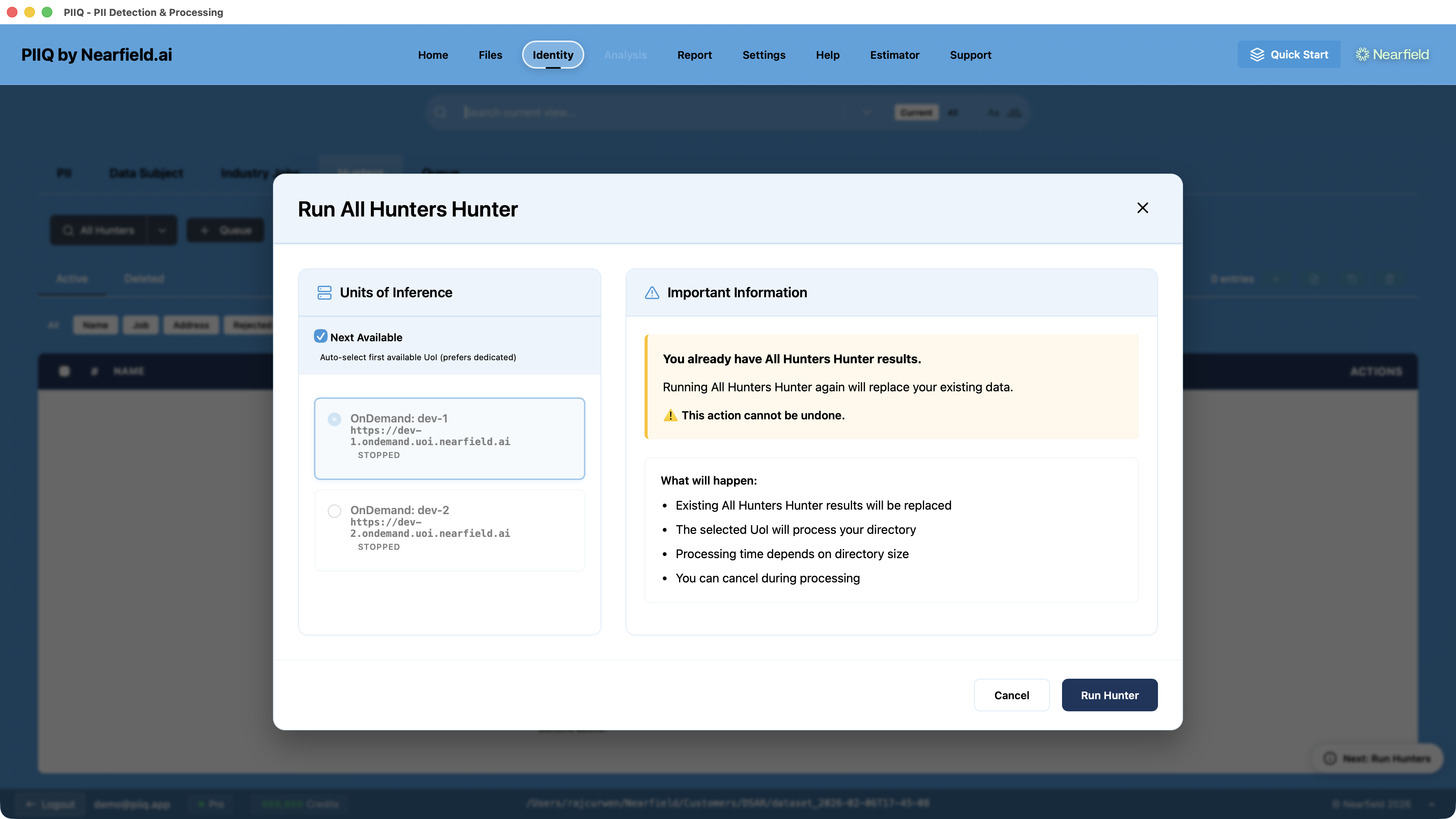
Step 8: Run Analysis
This is the core processing step. PIIQ's AI identifies all personal data across every in-scope file and marks it for redaction — preserving only the data subject's own information. Because you've already narrowed the file set through Discovery, exclusions, and Hunters, Analysis runs only on the files that matter.
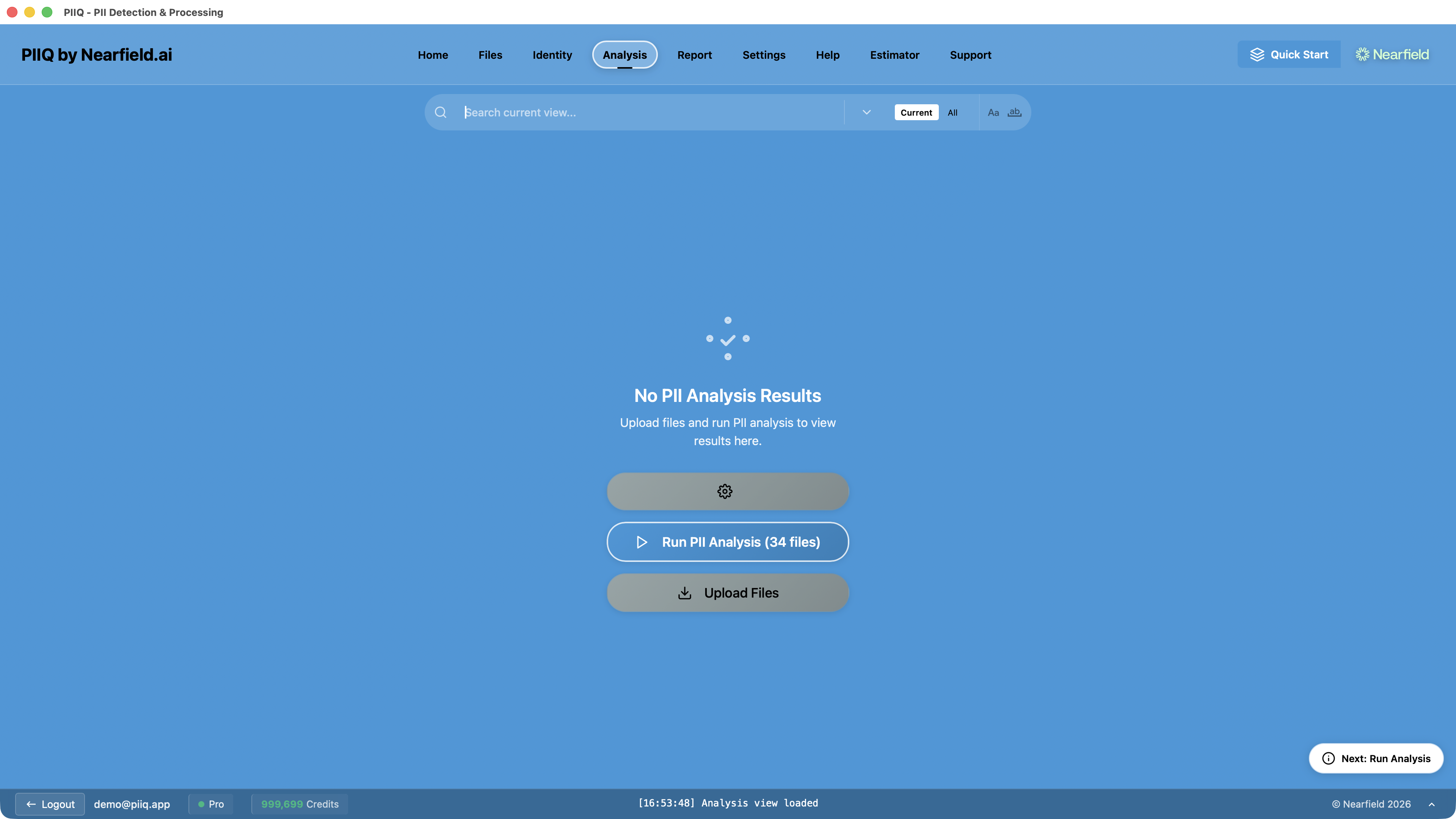
PIIQ processes all files in seconds, showing real-time progress as it identifies PII across every document.
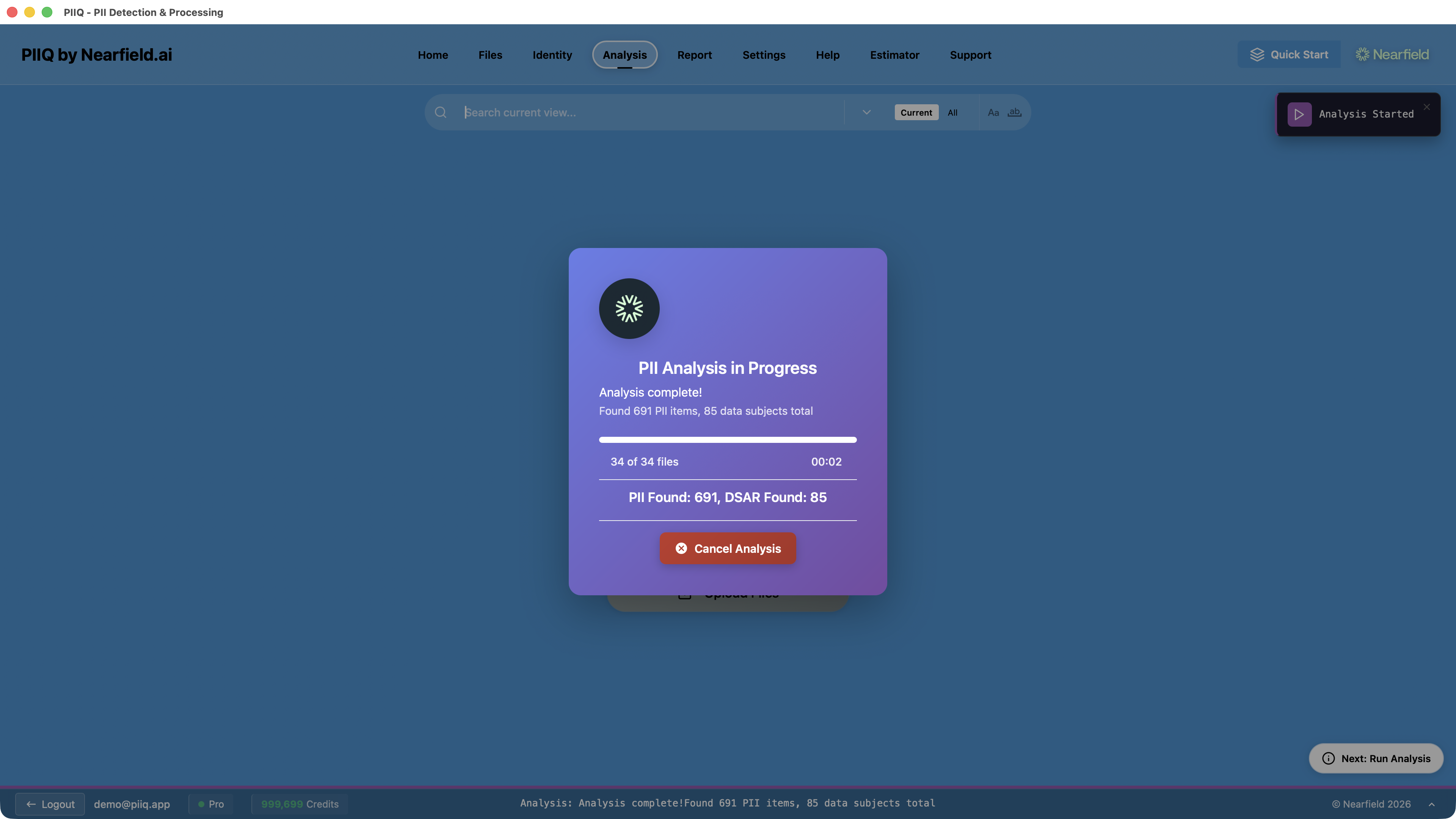
Step 9: Review Redactions in Analysis View
Examine the processed documents to verify detection accuracy. PIIQ highlights every redaction, letting you accept or reject items individually. Patterns you correct here feed into the next iteration.
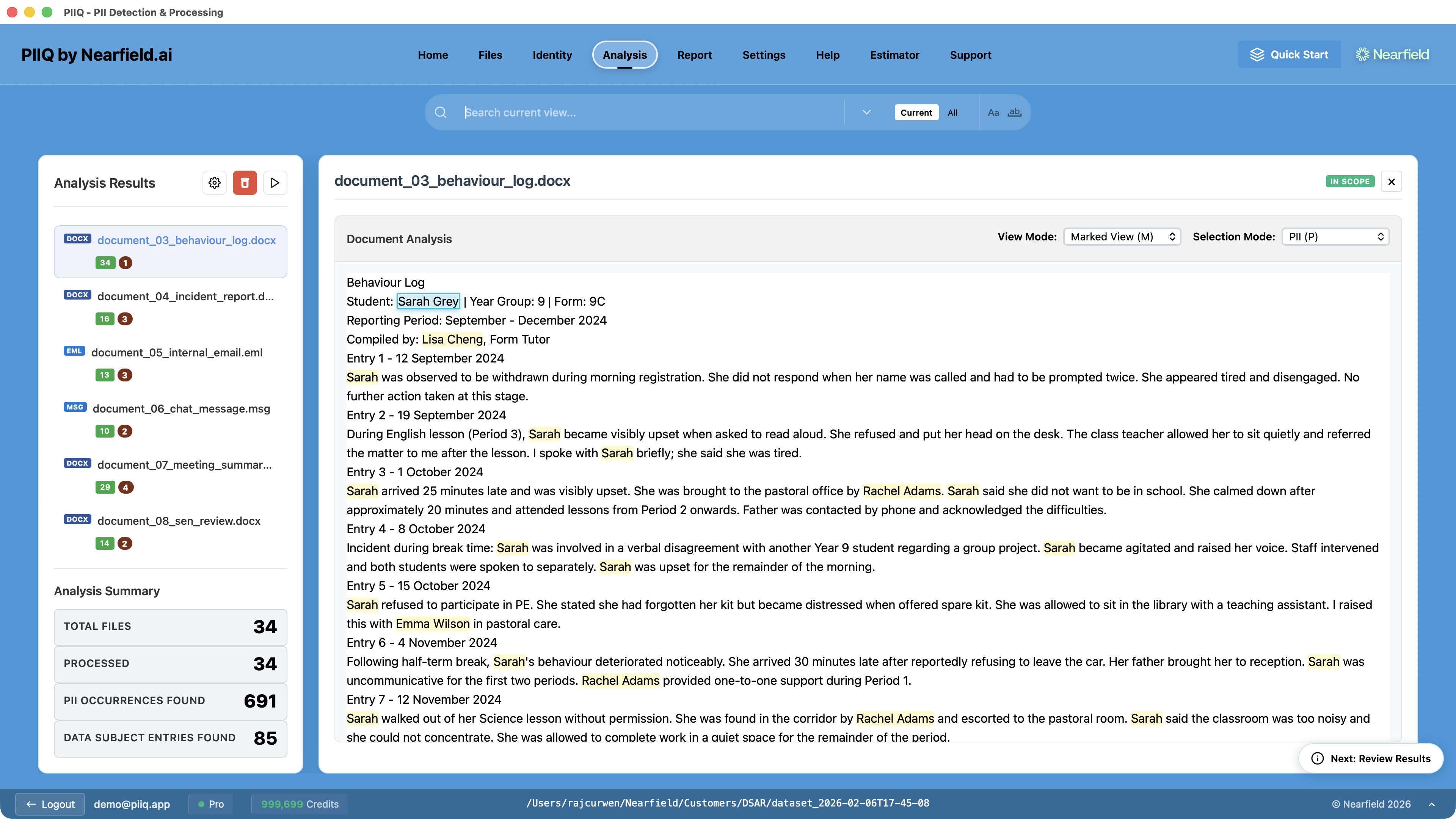
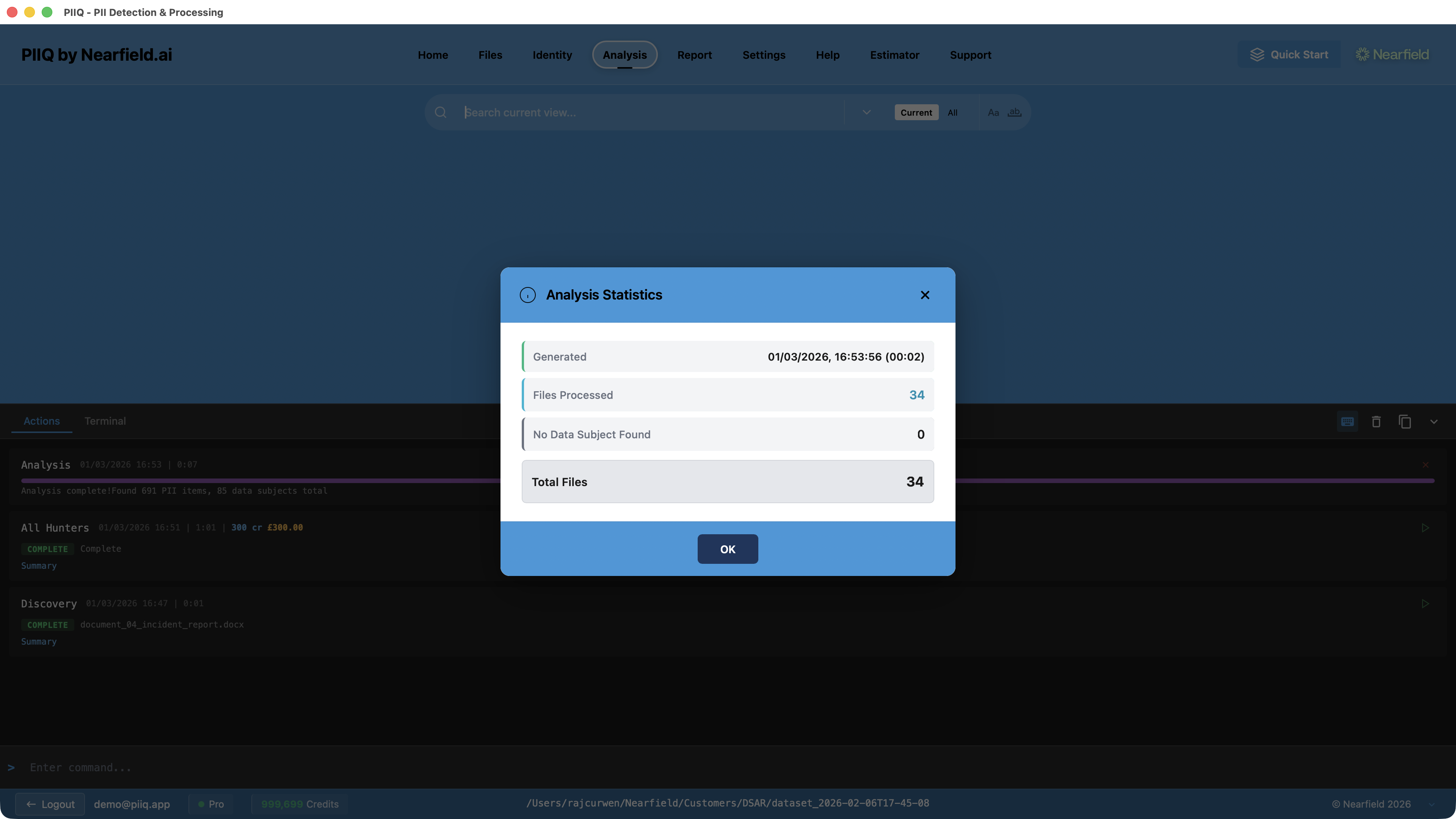
Review the analysis statistics to see the overall detection summary — files processed, PII occurrences found, and data subject entries identified.
Step 10: Re-run Analysis
Iterate. Each analysis cycle incorporates corrections from the previous review — new PII entries, updated Anti-PII, refined patterns. Multiple passes converge quickly toward a clean result.
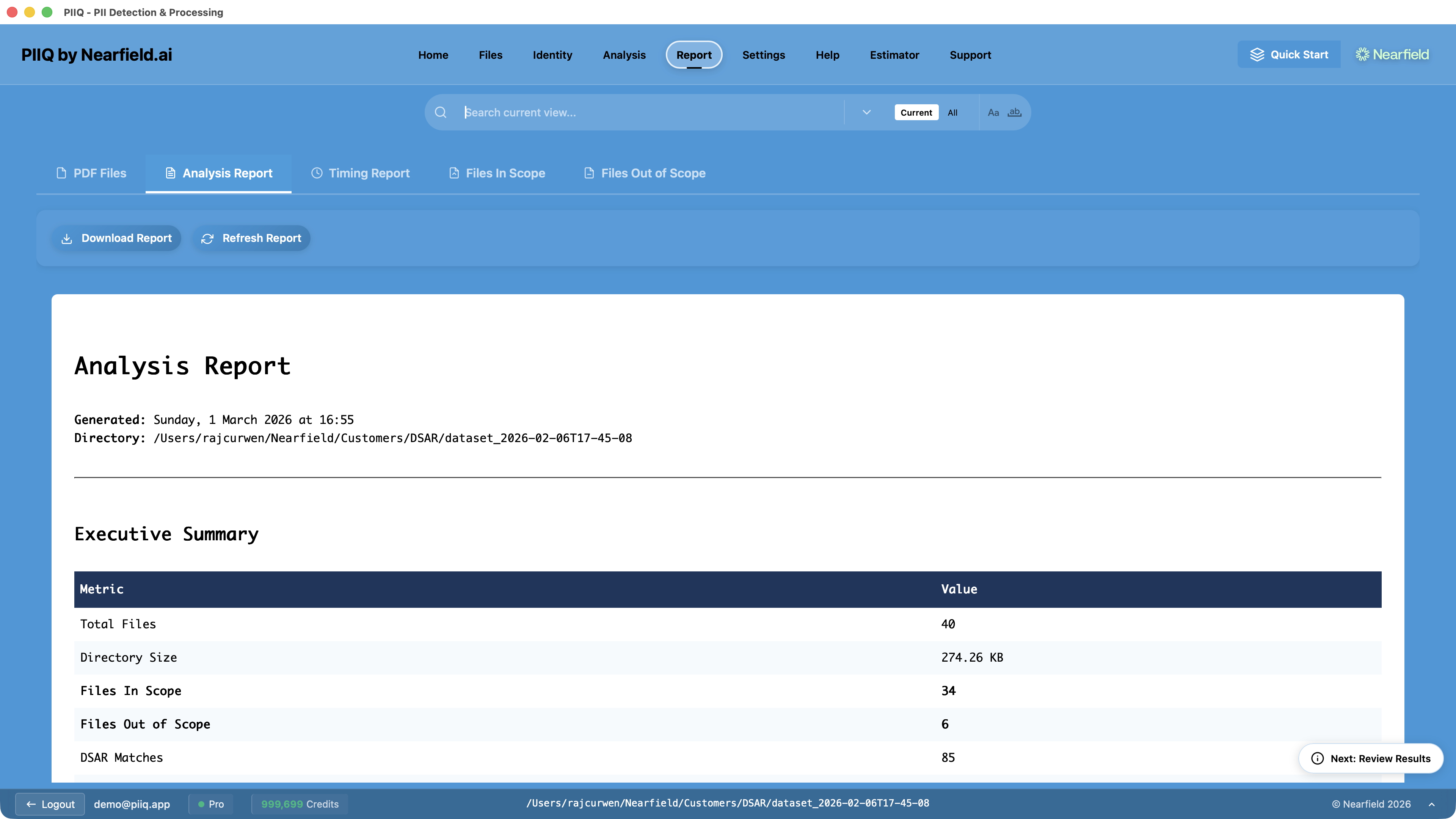
Step 11: Print the Report
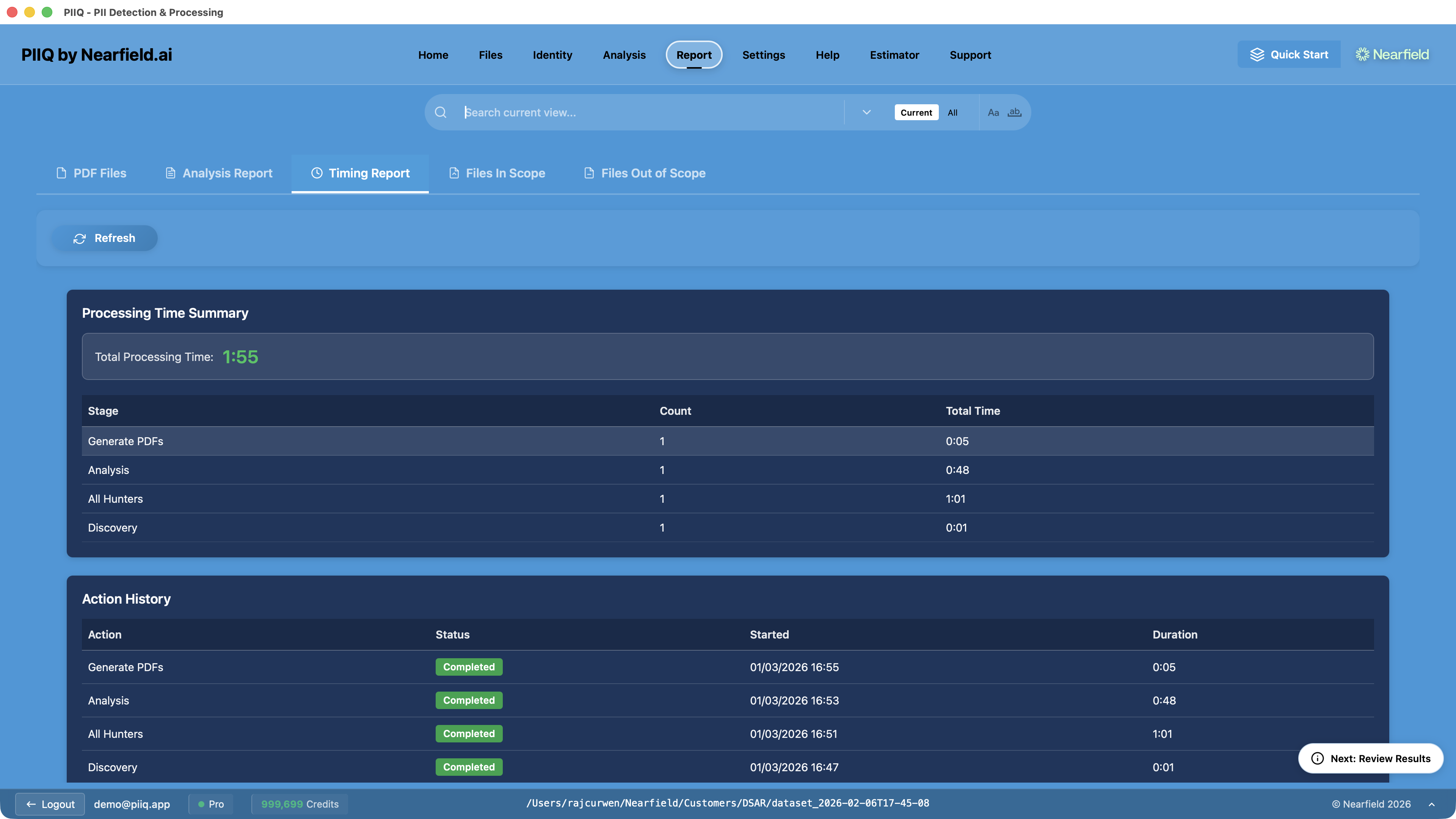
Generate redacted versions of all documents along with a comprehensive summary report. The report documents your scope decisions, redaction statistics, and provides a complete audit trail.
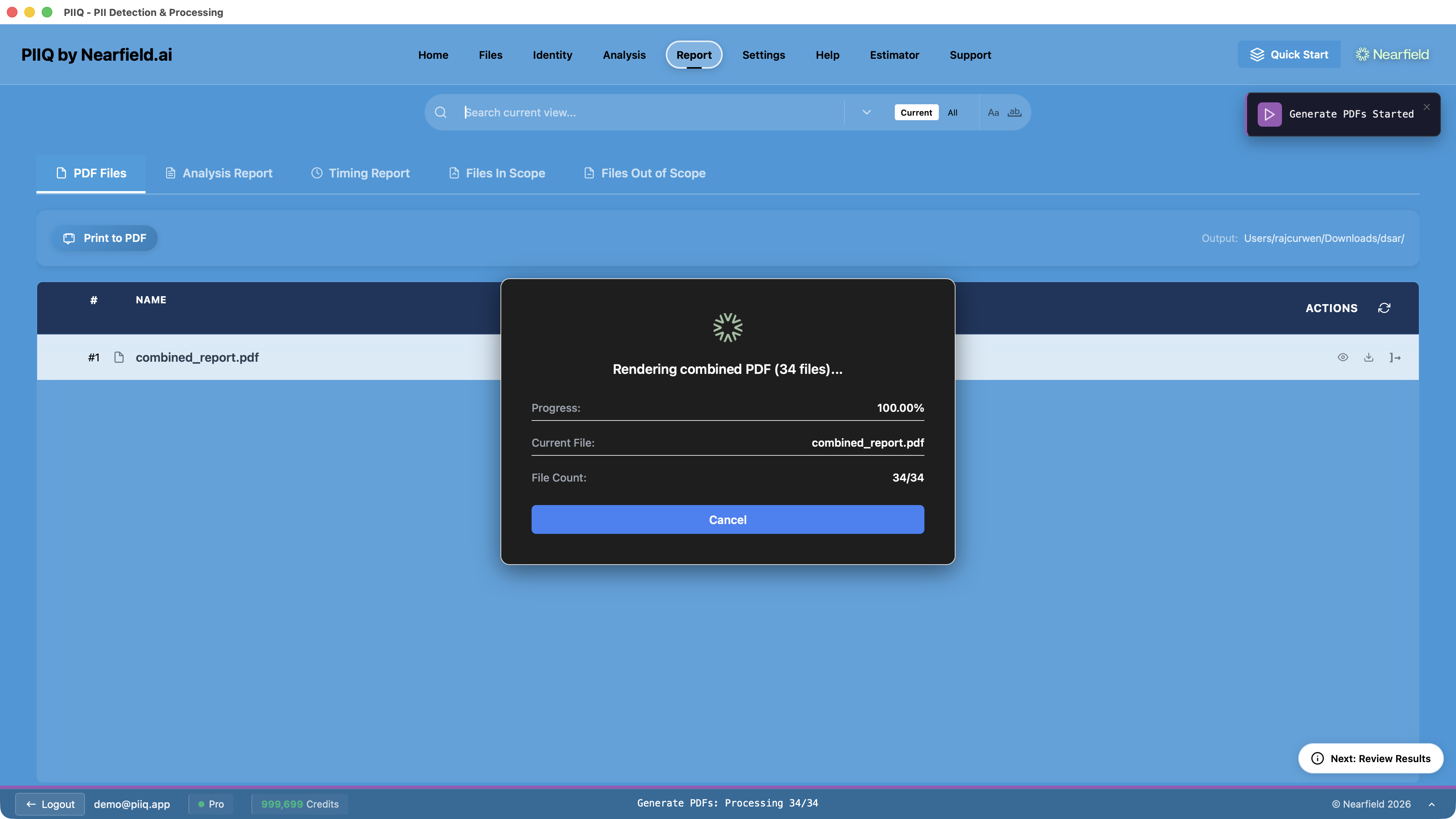
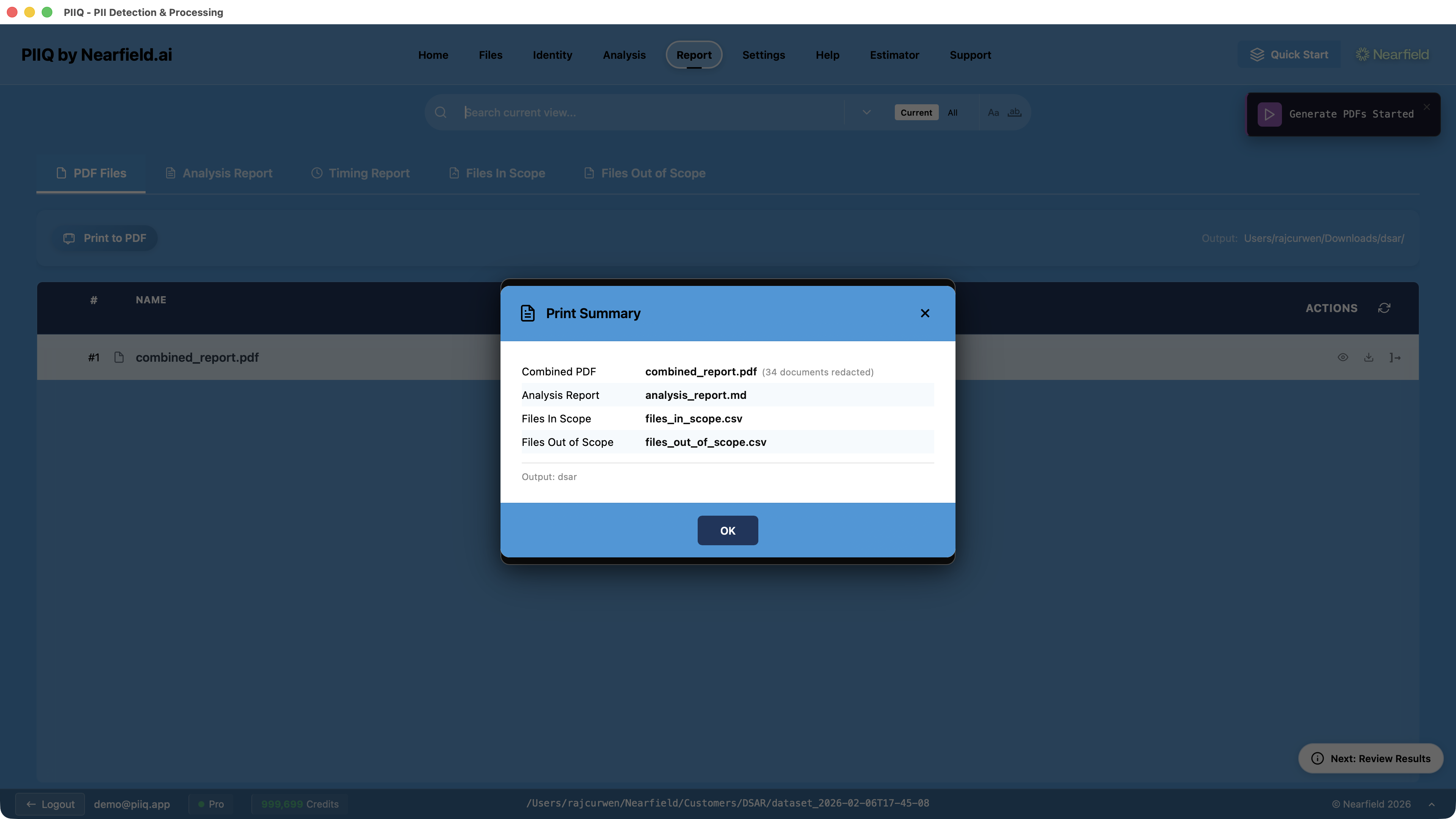
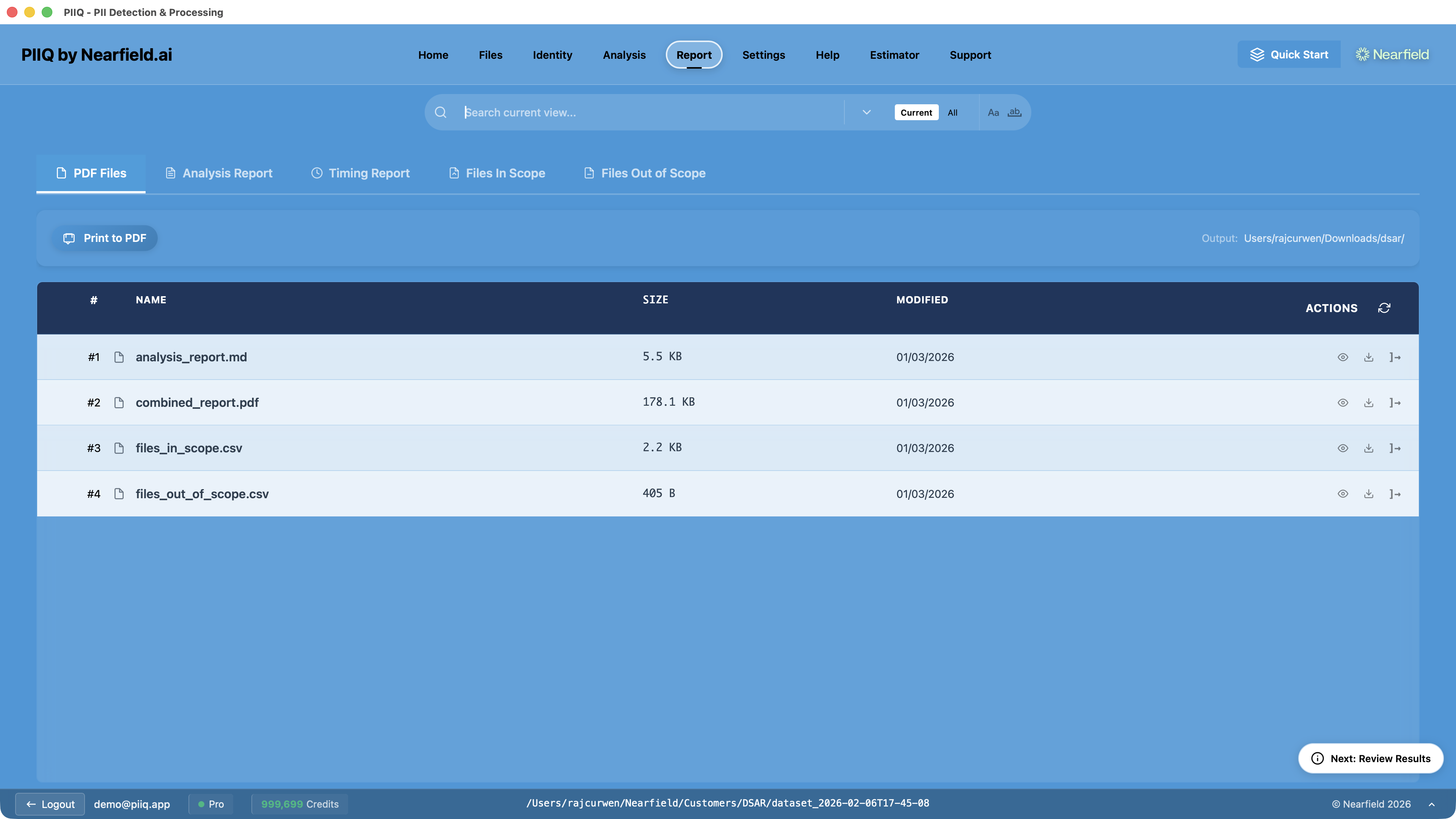
The Report tab shows all generated output files — the combined redacted PDF, the analysis report, and CSV file lists for in-scope and out-of-scope documents.
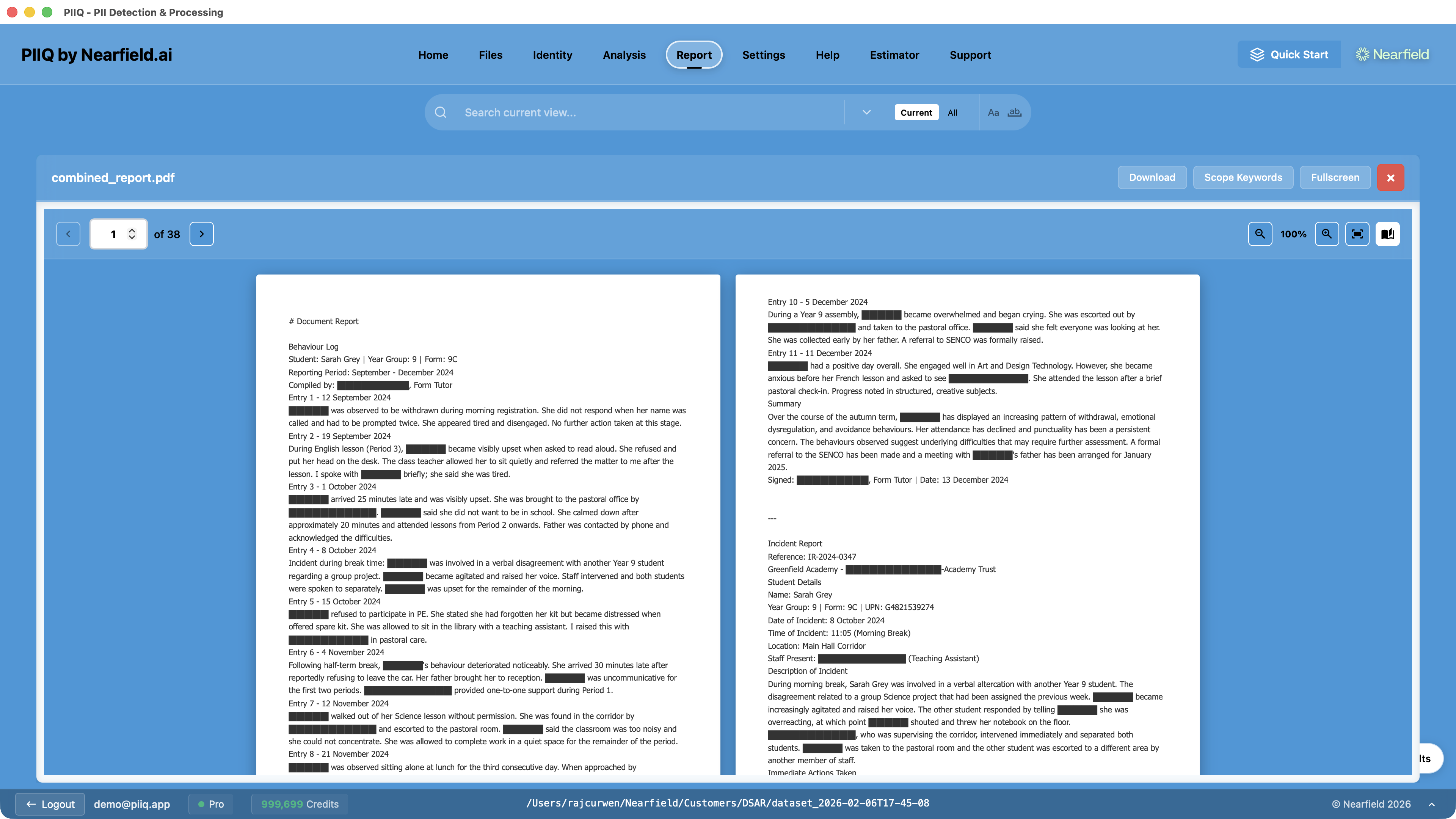
Step 12: Review and Send
The final output is a combined redacted PDF, ready for disclosure. Review the redacted documents to verify all personal data has been properly handled before sending.
Deliver the clean, auditable disclosure package through secure channels. The audit-ready PDF means you can respond to the ICO with complete confidence if your decisions are ever questioned.
The Layered Approach
Each step in the PIIQ workflow reduces complexity for the next:
- Discovery cuts the file count by eliminating documents that don't mention the data subject
- Exclusions remove entire categories of irrelevant documents
- Hunters surface hard-to-detect PII before processing
- Analysis handles redaction with AI precision on a focused file set
- Review provides human oversight on a curated result
The traditional approach is brute force: collect everything, read everything, redact manually. It takes days or weeks. PIIQ's layered approach transforms it into a structured, repeatable process that typically takes hours.